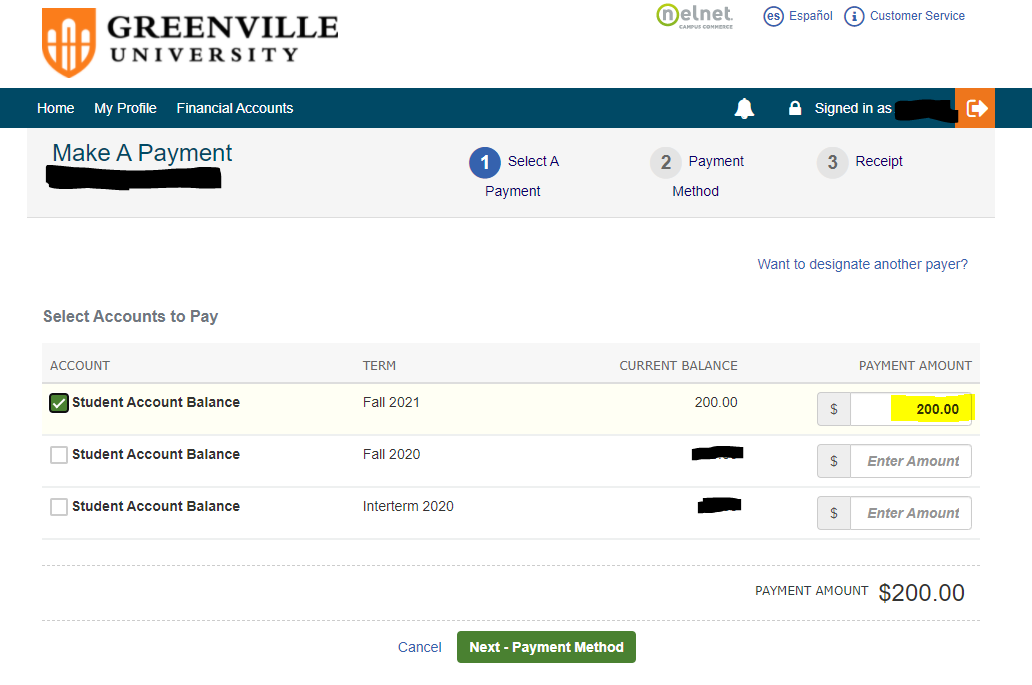
-To Log-in to your Nelnet Student Account Dashboard
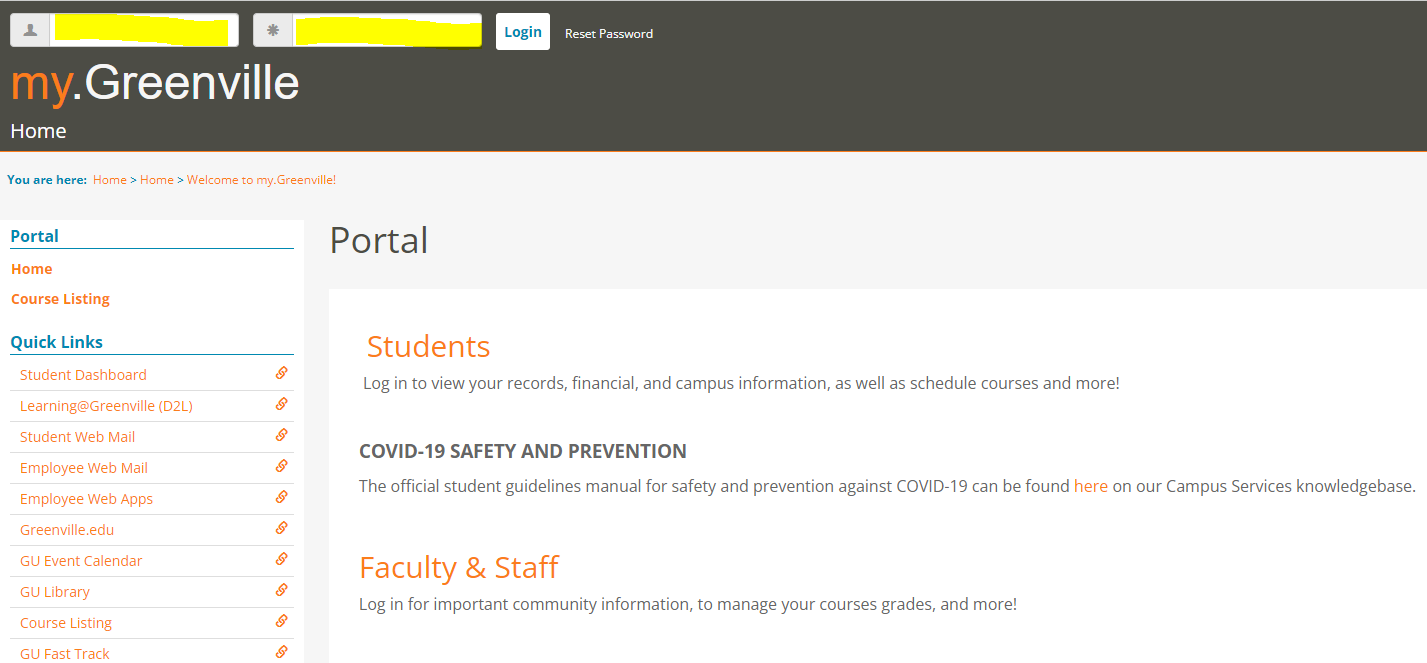
1.) Login to my.Greenville with your GU Username/Password. After login, you will be on your Home page.
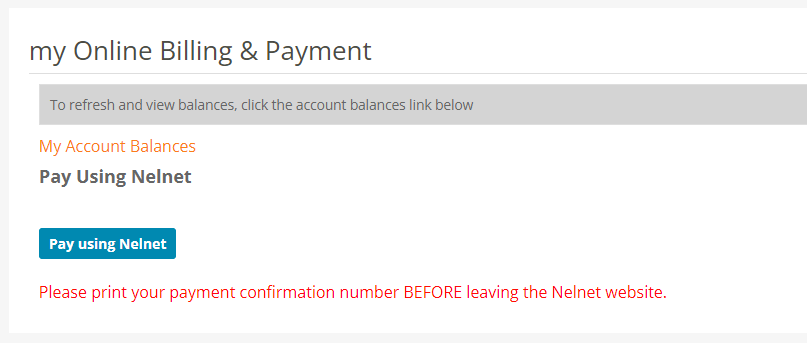
2.) Select Students, then my Financials, then click on the blue “Pay Using Nelnet” button.
3.) You will immediately be directed to your Student Account Dashboard. From here, you can select from the following: View Current Bill, Transaction Details (view ALL transaction history), Make A Payment, Set Up a Payment Plan, Manage Refunds, and Add an Authorized Party.
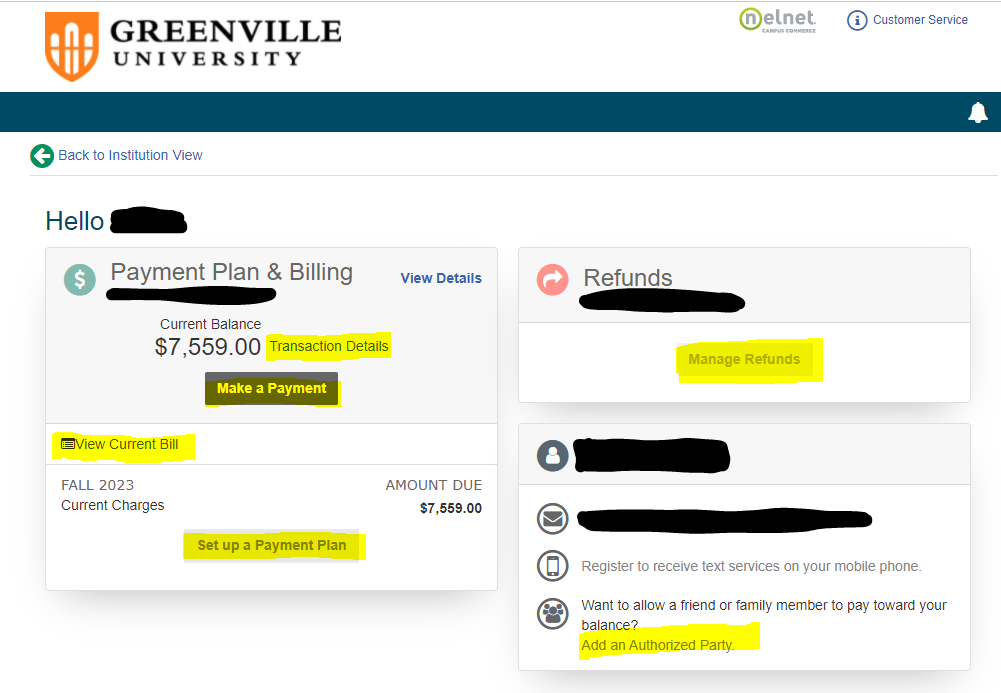
4.) To Set Up a Payment Plan, select the “Set Up a Payment Plan” button and follow the steps!
5.) To Make A Payment, select the “Make A Payment” button. You will be directed as shown below, then follow the steps! If you wish to pay a different amount, just key in the amount you need to pay.